Bring your people and machines.
Choose the platforms that fit your site.
 Home
HomeRobotic deployment
Give people, robots and drones the equipment context they need. Connect inspections to drawings, work orders and the systems your site already runs.
One plant. A connected team.
Match the task to the right person or machine. Share the equipment context, coordinate the work and bring the evidence back.
Many forms of intelligence. One operation.
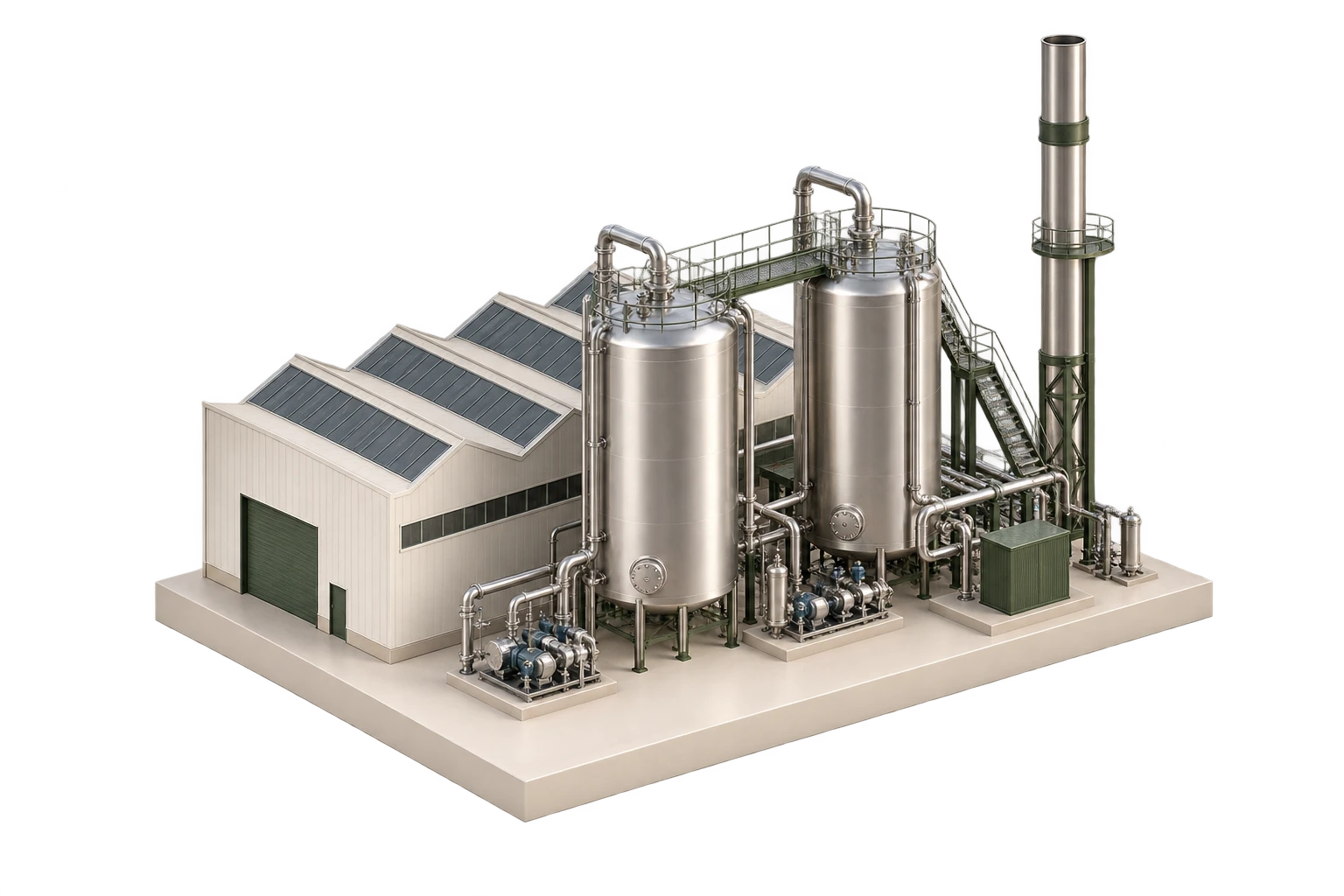
 Ray Coordinate. Review. Act.
Choose the platforms that fit your site.
The same equipment, locations and engineering records.
Assign tasks, review evidence and keep people in control.
The useful question is not just where a robot can go. It is which asset needs attention, what to inspect and where the evidence belongs afterwards.
HyBird’s spatial foundation connects the physical site to its engineering information. It gives people and robotic systems a shared context for the work.
A facility model and visual localisation provide spatial context. Keep the model aligned with the site through Reality Capture.
Explore localisationConnect equipment identities to drawings, documentation and inspection requirements, so the task starts with the right information.
Connected drawing intelligenceBring inspection evidence and observations into the maintenance workflow. Use HyBird’s maintenance workflows or connect your existing enterprise systems.
Enterprise integrationsRobotic path planning
A cement works, captured in its physical context.
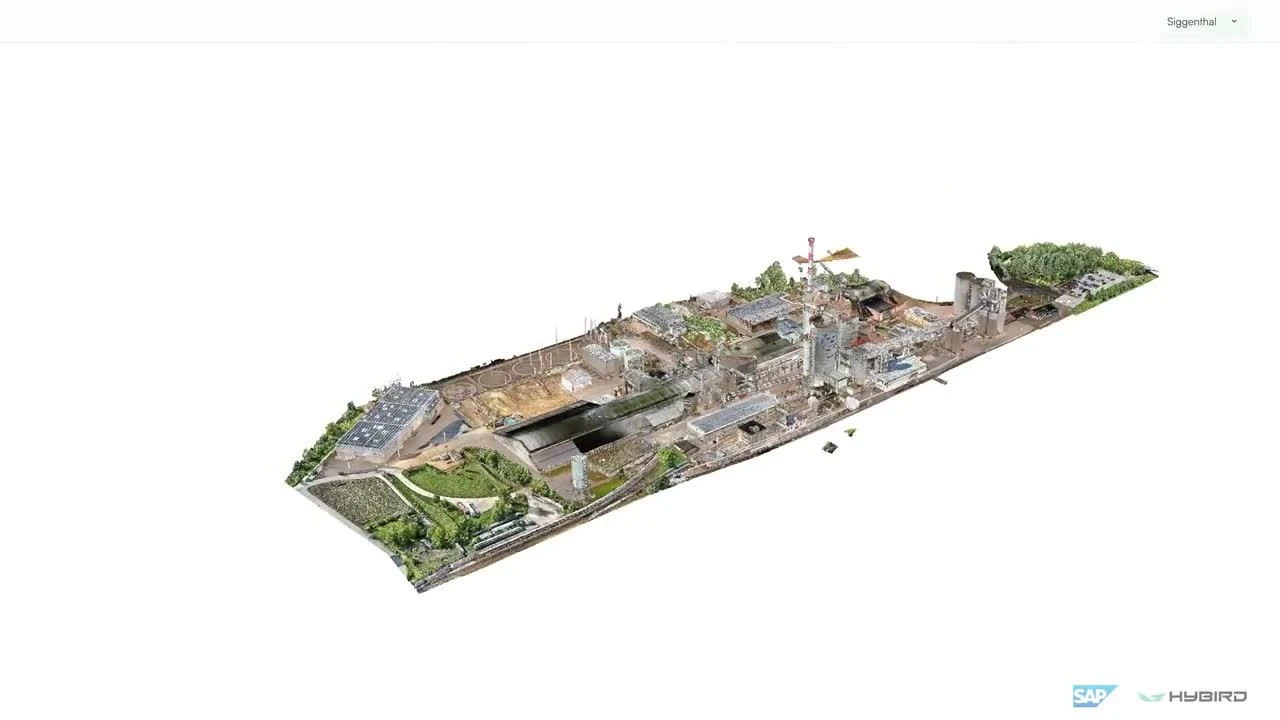 PreheaterCement silosProduction hall
Inspection routes are defined for each deployment.
Watch the SAP demonstrationSAP / HyBird / Field AI
SAP, HyBird and Field AI: connecting the work request, the plant and the inspection evidence.
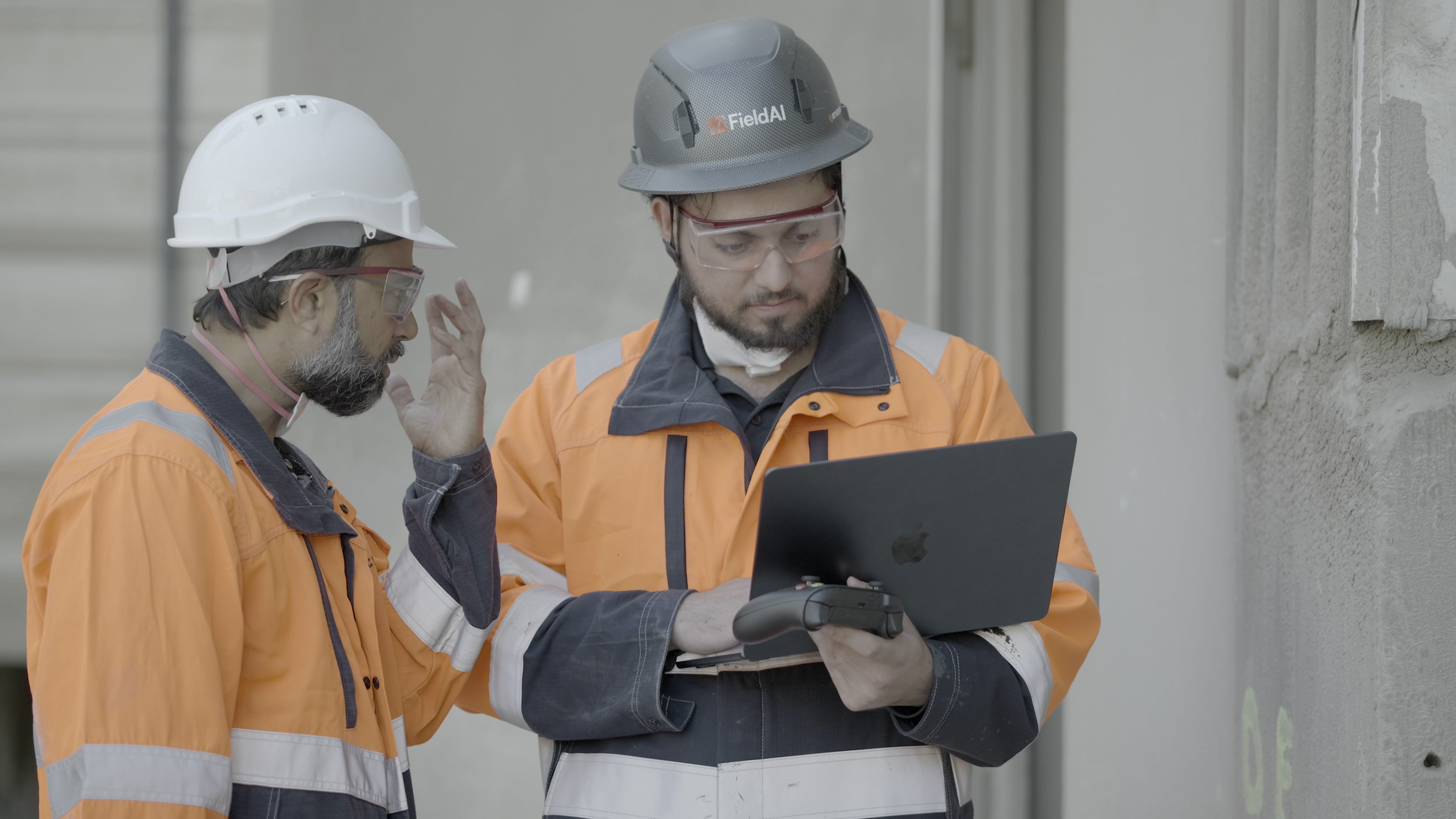
From a useful task to a working deployment
Agree the equipment, evidence and operating boundaries with your site team.
Locate the assets. Link their records. Connect the inspection to your maintenance workflow.
Review the results with your team before adding more routes, tasks or sites.
Tell us about your site, your inspection needs and the robotic platforms you work with.
Talk to HyBird