Work offline.
Keep downloaded drawings and field information available when the connection drops. Capture work offline and synchronise when you reconnect.
 Home
HomeMobile / iOS & Android
Point your phone at the plant. Identify the equipment, open its drawings and ask Ray for help—right where the work happens.
Augmented reality
Identify the equipment in your camera view and open its drawings, manuals and work records.
Ask Ray about the asset or record an observation against it. The next person can find what you saw, where you saw it.
See how visual localisation works
Mobile
Visual localisation
Match your device’s view to the plant. Bring equipment identities and connected information into the place where the work happens.
Scroll to explore the localisation
Visual localisation
Permits & inspections
Open the permit or reviewed checklist beside the equipment. Capture readings, complete the checks and add your signature to the work record.
Download the work before going offline. Synchronise the completed record when you reconnect.
Explore Checklist AI Connected permits and isolations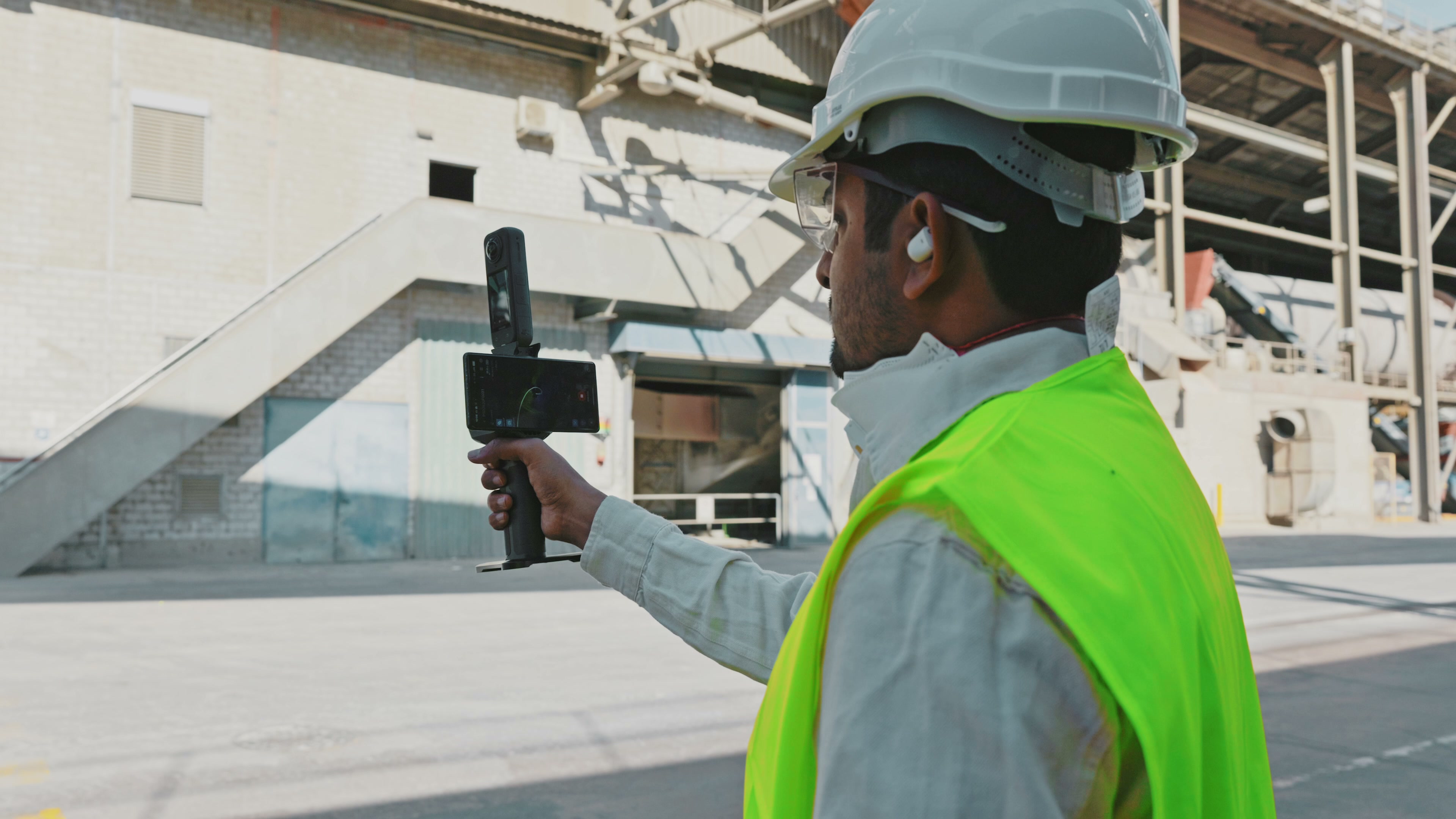
Inspection / P-204
Signature captured
The information you need at the equipment. The tools to keep the rest of the team connected.
Keep downloaded drawings and field information available when the connection drops. Capture work offline and synchronise when you reconnect.
Push notifications bring assignments, updates and changes to your device. Keep track of the work that needs your attention.
Bring connected P&IDs into the field. Follow equipment across sheets and collaborate on redlines with the people in the office.
Explore collaborative redliningAsk about the plant, its equipment and the work ahead. Ray uses the connected drawings and records to help you find the answer.

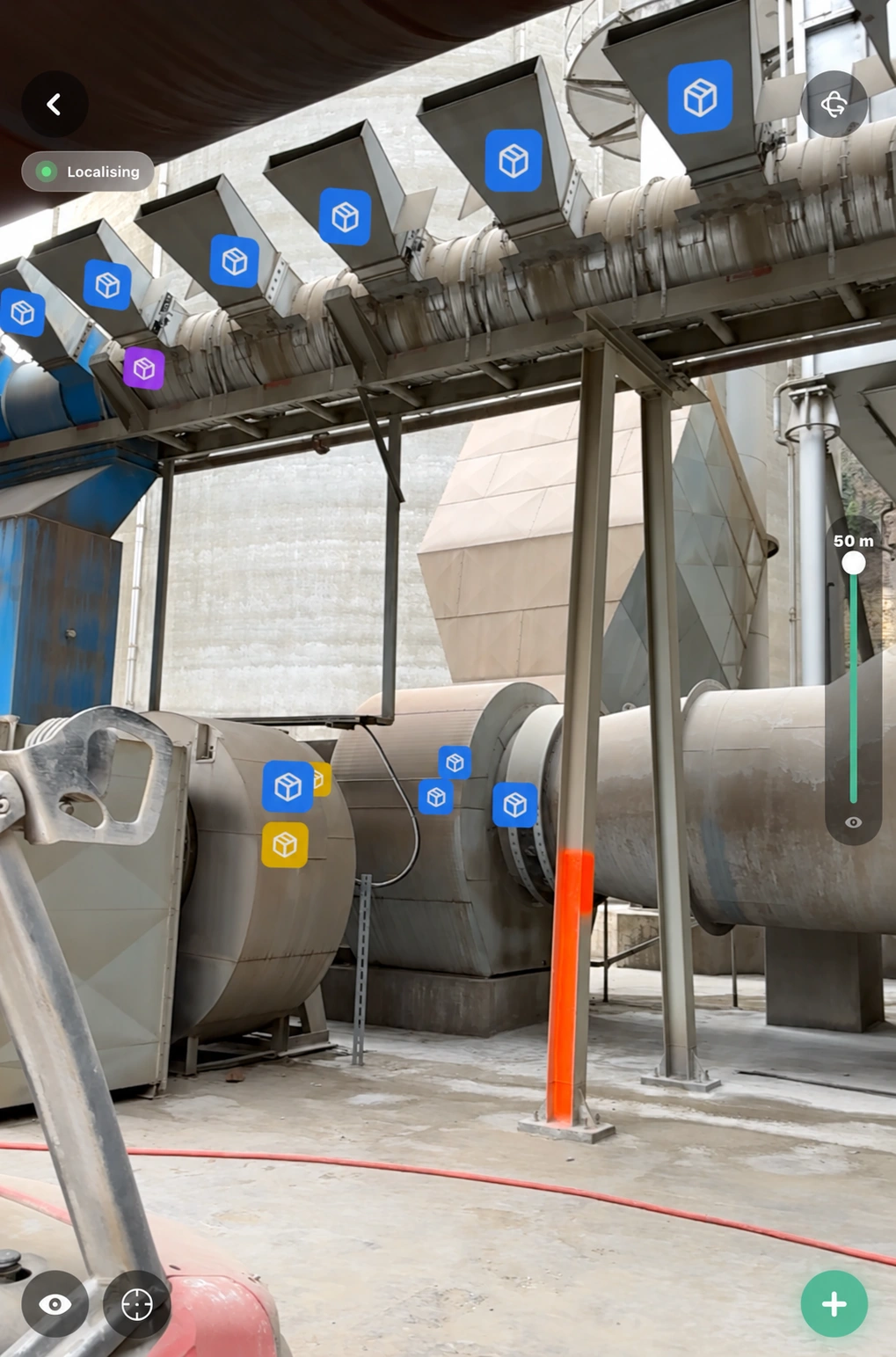
HyBird on iPad
More room for the whole picture
A larger view for your connected drawings, equipment information and augmented reality. Bring the same facility context onto the device that suits the job.
Inspect the asset, review its engineering information and capture the change without leaving the field.
Connect mobile work to maintenance Keep the facility currentObservations, inspections, drawings and maintenance records stay connected to the same assets, from the technician’s device to the engineering office.
Use Maintenance Management or connect your existing enterprise systems, including SAP.
Explore integrationsSee Mobile on your facility, with your assets, drawings and field workflows.
Explore the mobile app