Register & classify.
Capture the document reference, type, discipline, site and project. Apply consistent metadata at the point of entry.
 Home
HomeDocument Management
Find drawings, manuals and procedures. Keep the current revision clear and the review history attached, with each record connected to the equipment it describes.
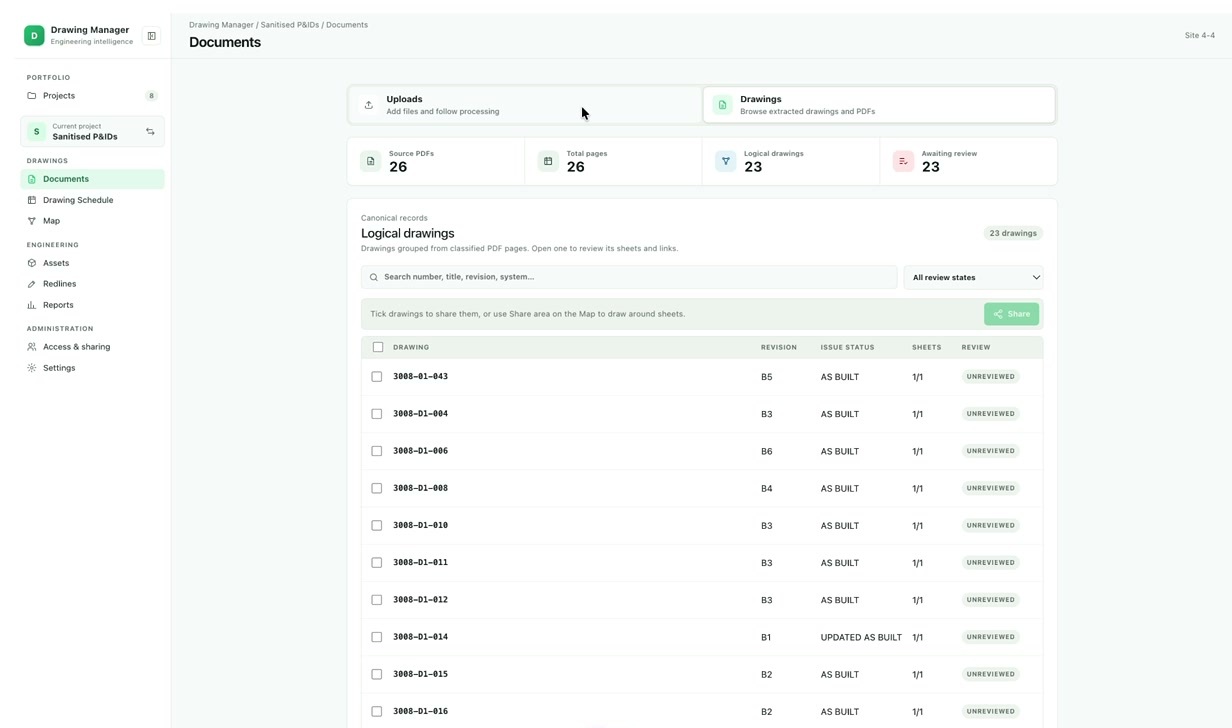
Give engineering teams one place to find controlled information. Organise the library around site, discipline, document type, status and the metadata your organisation uses.
Keep the current issue clear while retaining the history behind it. Source files and review information remain connected to the record.
Document control
Capture the document reference, type, discipline, site and project. Apply consistent metadata at the point of entry.
Route records to the people responsible for checking and approving them. Configure review states around your document control process.
Manage revisions, check-in and check-out, controlled issue and the document history. Make the approved information easy to find.
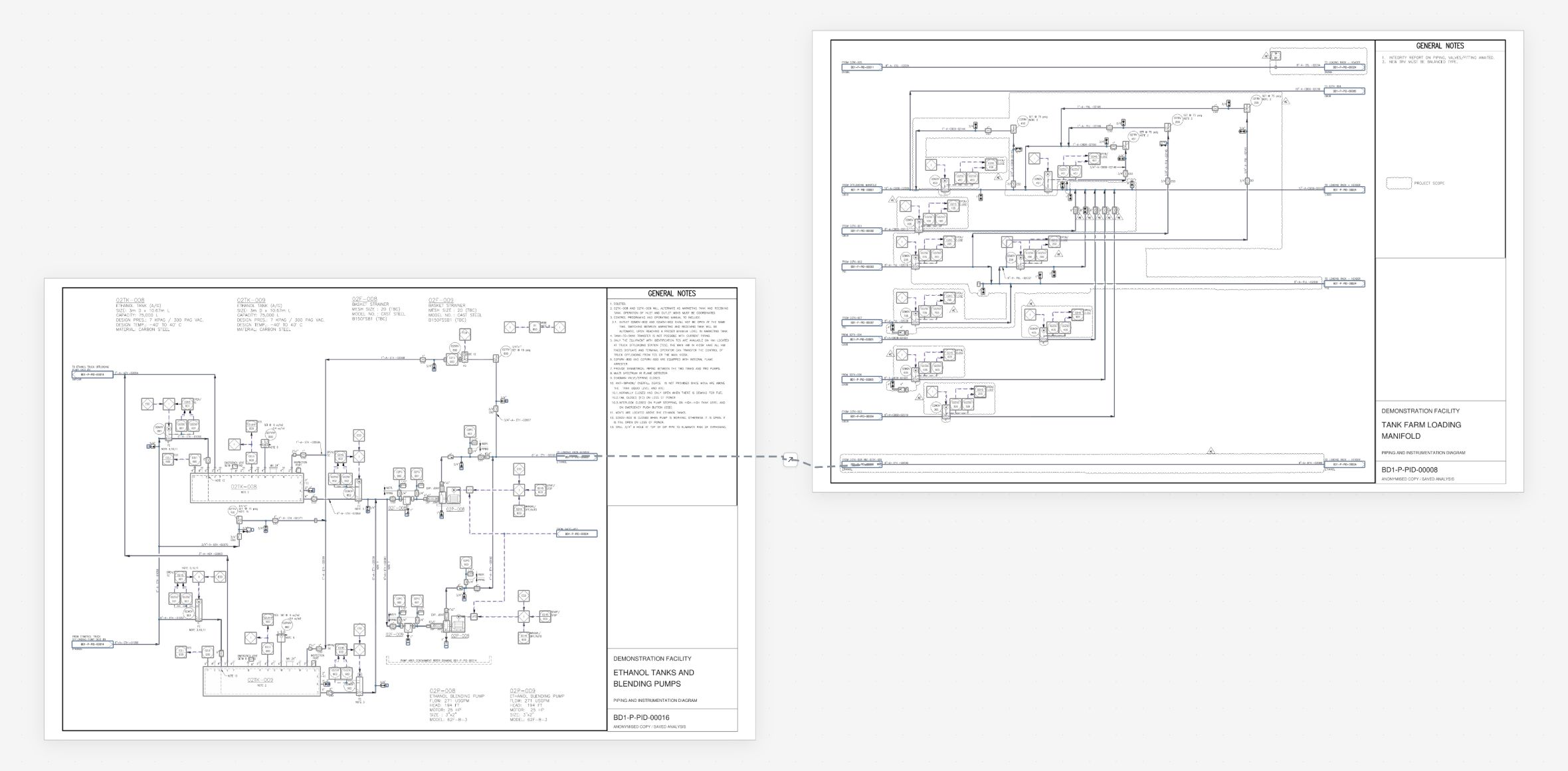
More than a file library
A manual belongs to equipment. A P&ID describes a system. A procedure supports an inspection. Connect those records to the assets and locations your teams work with.
Move from the 3D environment to the source document, or from a drawing to its equipment context.
Explore the spatial foundation Interconnected drawing managementHyBird supports document management across the UK gas network, connecting engineering knowledge, controlled revisions and the people who need the records.
A document library can be the first step: connect engineering knowledge to the equipment, teams and work it supports, then expand from there.
Discuss your document libraryTell us how your organisation classifies, reviews and issues documents. We’ll build the configuration around it.
Talk to HyBird